✨ The Only XDR App with Deep Blacks

Unlock 1600 Nits
Without Washing Out Your Display

True blacks. Vibrant colors. Professional quality. The XDR brightness app that actually preserves your display's contrast.

1600
Max Nits
3x
Brighter than SDR
Apple Signed
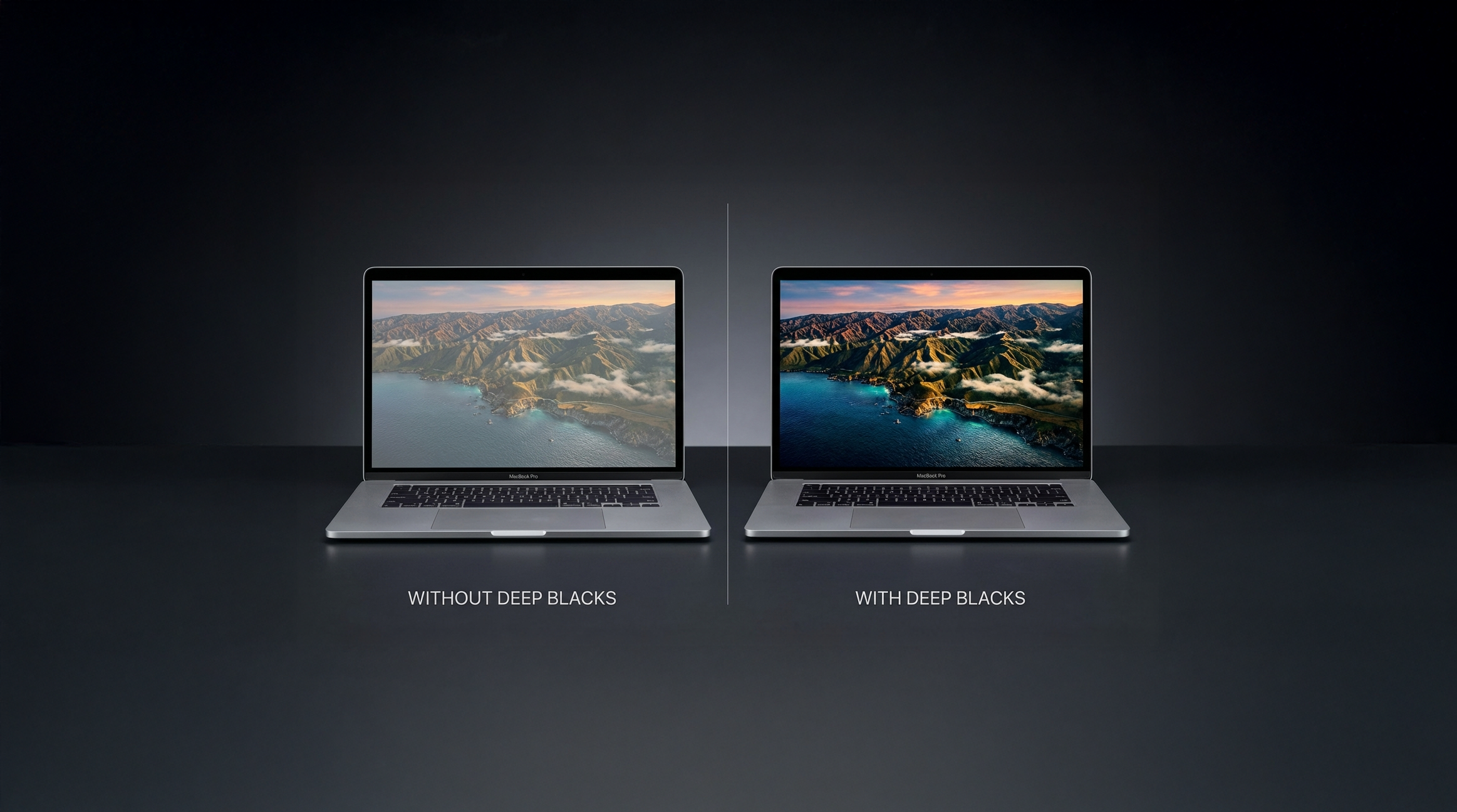
MacBook Pro comparison - Without Deep Blacks vs With Deep Blacks

What Makes NitrousPanel Different?

Other apps boost brightness but destroy your blacks. We fixed that.

EXCLUSIVE
🌑

Deep Blacks Mode

The feature no other brightness app has. Preserve true black levels while boosting to 1600 nits. Three levels: Subtle, Medium, and Deep for maximum control.

🌟

True XDR Brightness

Up to 1600 nits using native Apple APIs. Real hardware brightness control, not gamma hacks. P3 wide gamut preserved.

🎨

Color Accurate

Full P3 wide gamut support. Your colors stay true, your contrast stays perfect. Professional-grade output.

🖥️

Multi-Display Support

Control each display independently. Perfect for MacBook Pro with external Pro Display XDR or Studio Display.

🚀

Launch at Login

Set it and forget it. Your preferred brightness settings persist across restarts automatically.

⌨️

CLI for Power Users

Full command-line interface for automation and scripting. Integrate brightness control into your workflows.

See the Difference

Deep Blacks preserves true black levels while boosting brightness to 1600 nits.
Side by side MacBook Pro comparison showing Deep Blacks vs standard

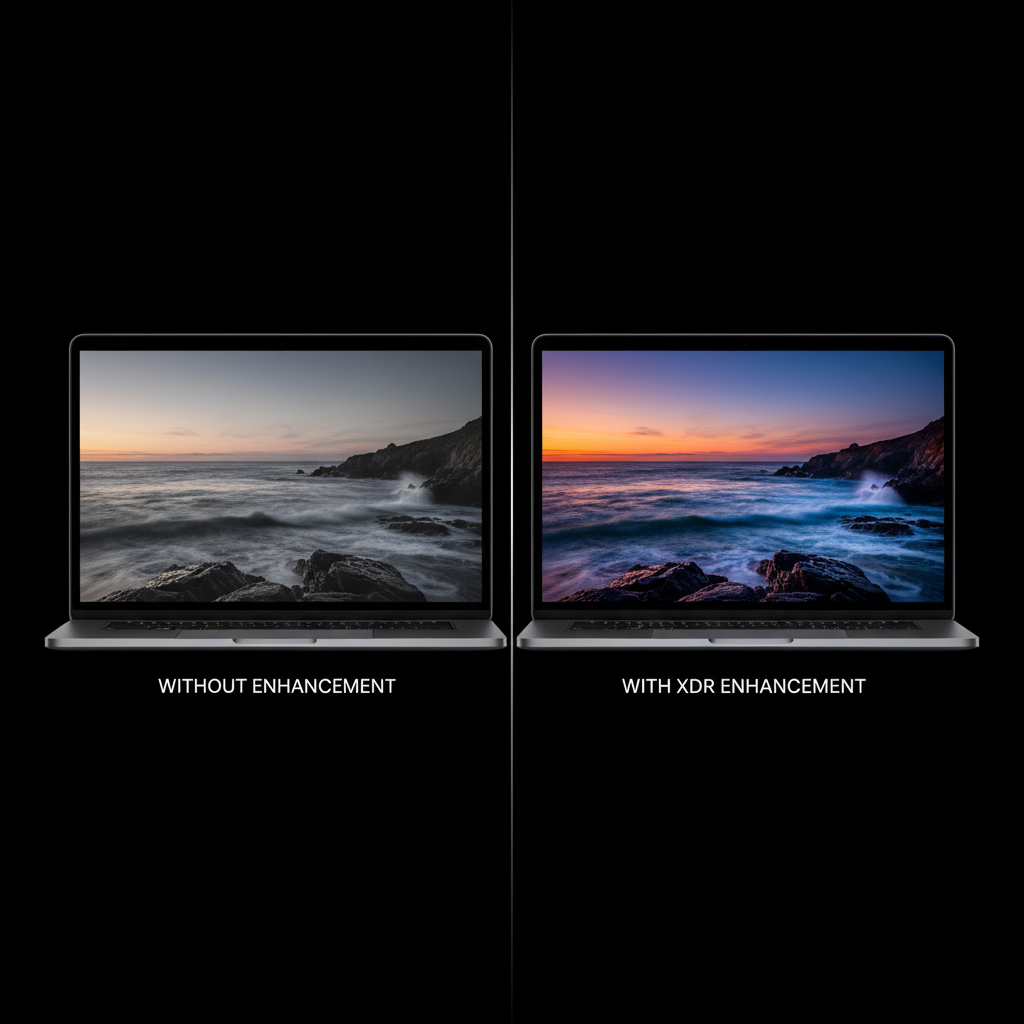
Left: Standard XDR brightness (washed out) — Right: NitrousPanel with Deep Blacks

Other Apps vs NitrousPanel

See the difference Deep Blacks makes.

❌ Other Brightness Apps

  • ❌ Washed out blacks
  • ❌ Reduced contrast
  • ❌ Gamma hacks
  • ❌ Fake brightness boost
  • ❌ Colors look off
  • ❌ Display looks worse

✅ NitrousPanel

  • ✓ True deep blacks
  • ✓ Enhanced contrast
  • ✓ Native API control
  • ✓ Real 1600 nits
  • ✓ P3 color accurate
  • ✓ Display looks better
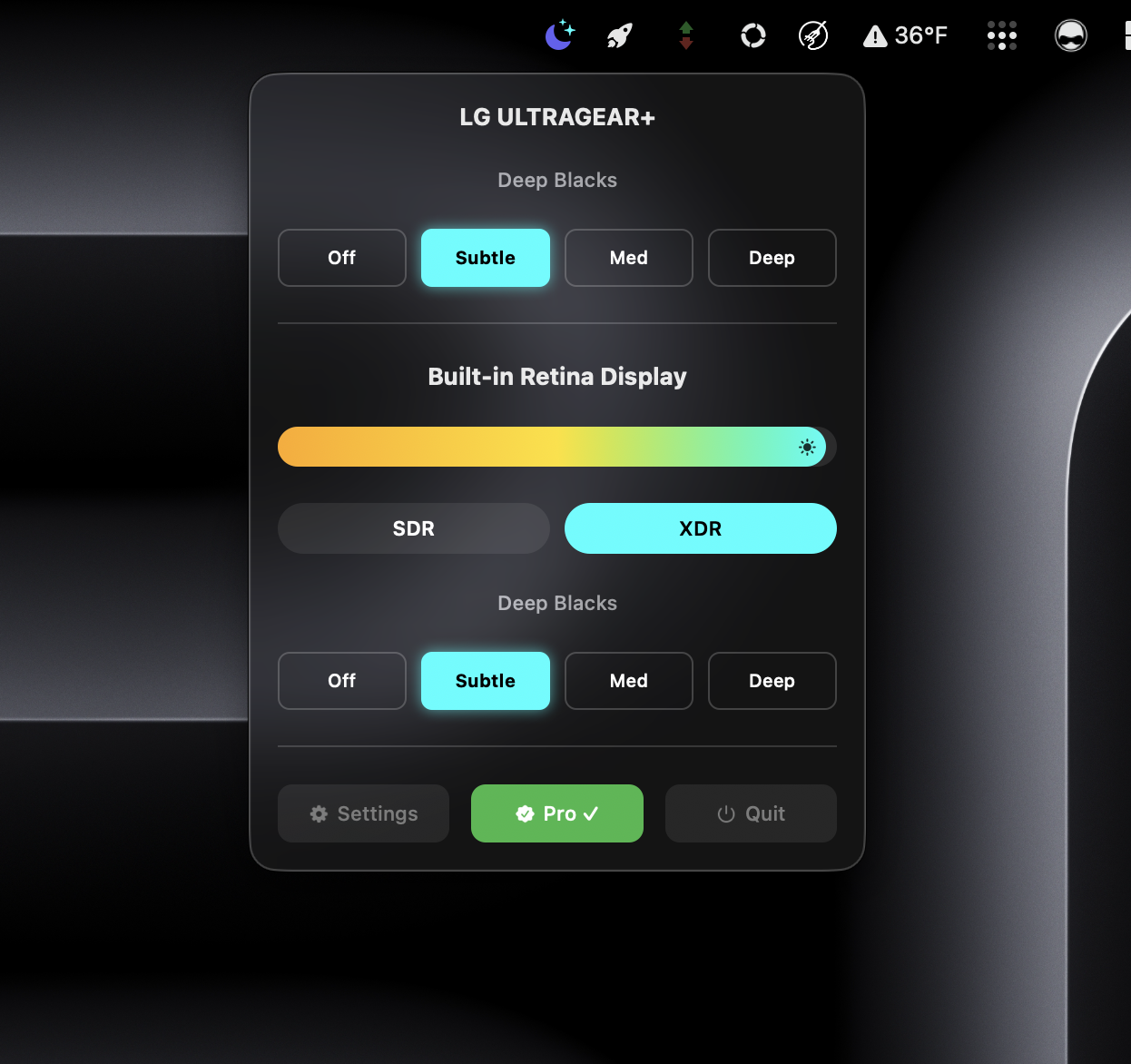
NitrousPanel menu bar app interface

Simple. Powerful. In Your Menu Bar.

NitrousPanel lives in your menu bar, ready when you need it. One click to access brightness controls and Deep Blacks mode.

  • Instant brightness slider up to 1600 nits
  • Deep Blacks toggle with 3 intensity levels
  • Per-display controls for multi-monitor setups
  • Clean, native macOS design
NitrousPanel Brightness Control

Simple Pricing

Try free. Upgrade when you're ready.

Free
$0
Get started with XDR
  • XDR up to 600 nits
  • SDR/XDR toggle
  • Launch at Login
  • Deep Blacks mode
  • Full 1600 nits
  • Auto-enable on launch
Download Free
48-Hour Trial
$0
Try everything free
  • Full 1600 nits
  • Deep Blacks mode
  • All Pro features
  • 48 hours access
  • No credit card needed
  • One-time only
Start Trial

Join the Community

Get free Pro codes, early access to new builds, help with setup, and chat with other users.

🎁 Free Pro Giveaways
🧪 Beta Test New Features
💬 Direct Support
🤝 Community Chat
Join Discord

System Requirements

🍎 macOS 13.0+
💻 MacBook Pro (M1 Pro/Max+)
🖥️ Pro Display XDR / Studio Display
✅ Signed & Notarized by Apple